What Are HTML5 Games and Why Do They Run Everywhere?
HTML5 games run in the browser you already have. Here is how they work and what that means for you as a player.
A learning game will not replace a lesson, and we would not claim otherwise. What it can do is turn five minutes of practice into something a student chooses to repeat — and repetition is where quick recall comes from. These are the games in our Educational category and what each one exercises.
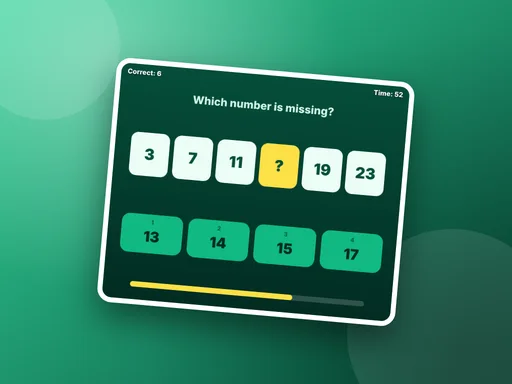
Math Sprint is sixty seconds of quick sums with four answers to choose from. A wrong answer costs three seconds, so careful beats frantic. Missing Number goes a step further: six numbers follow a rule, one is hidden, and you have to work out the rule — equal steps, doubling, growing gaps or square numbers.
Word Scramble shows the letters of an everyday word in the wrong order. Solving it adds time to the clock. Word Guess hides a six-letter word and gives you six wrong guesses, which rewards starting with common letters. Typing Rush is for keyboard practice: type each falling word before it lands. It needs a physical keyboard, so it is one for a laptop or desktop.
Capital Quiz asks ten questions about world capitals and highlights the right city after every answer, so a mistake still teaches something. Clock Reader shows an analogue clock face and asks for the time — a skill that is surprisingly easy to lose in a world of digital displays.
All of these games run in the browser on school laptops, tablets and phones, and none of them asks for an account.
HTML5 games run in the browser you already have. Here is how they work and what that means for you as a player.
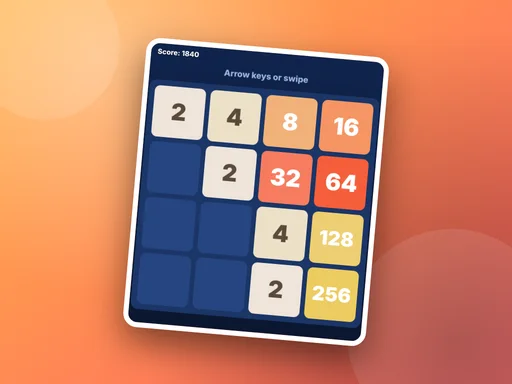
Stuck around the 256 or 512 tile? These five habits make a real difference in merge puzzles like Tile Fusion.
The same browser game can feel very different on a phone and on a desktop. Here is how to match the game to the device.