What Are HTML5 Games and Why Do They Run Everywhere?
HTML5 games run in the browser you already have. Here is how they work and what that means for you as a player.
One of the nice things about browser games is that they follow you from device to device. But not every game suits every way of playing. A little thought about controls makes the difference between a frustrating session and a good one.
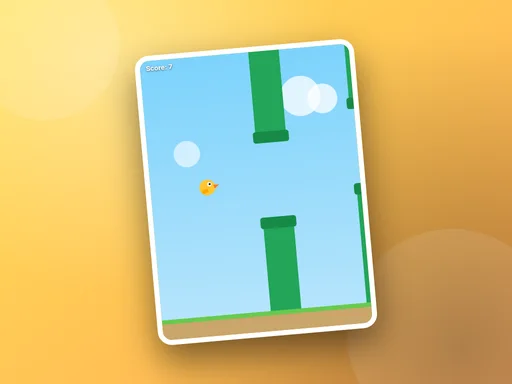
Anything built around tapping or swiping feels natural on a phone: one-button games like Sky Hopper, tap-the-target games and most card and board games. Portrait games in particular are designed with a phone held in one hand in mind.
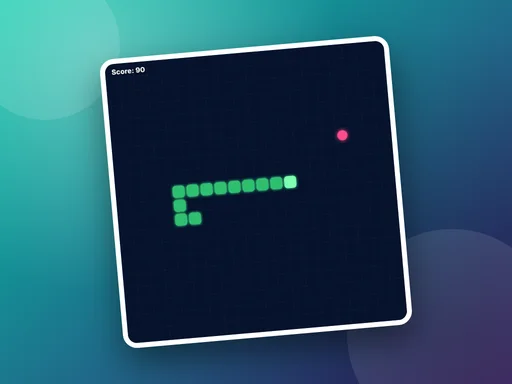
Games that need quick, precise direction changes are usually easier with arrow keys. A snake game is a good example: swiping works, but a key press is faster and more exact.
Paddle and aiming games benefit from the smooth, continuous movement of a mouse or trackpad. Right-click is handy too — in a mine-clearing game it places a flag without switching mode.
Every game page on this site has a How to play section listing the controls for keyboard, mouse and touch, along with whether the game supports desktop and mobile. If a game is designed for a different kind of device than the one you are using, the player tells you before it loads.
HTML5 games run in the browser you already have. Here is how they work and what that means for you as a player.
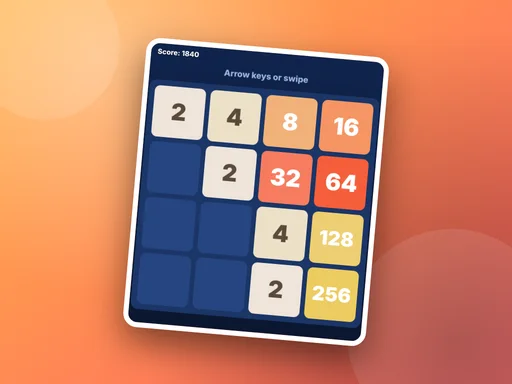
Stuck around the 256 or 512 tile? These five habits make a real difference in merge puzzles like Tile Fusion.
No second device, no accounts, no waiting for a download. These five games let two people play on the same laptop, tablet or phone.