What Are HTML5 Games and Why Do They Run Everywhere?
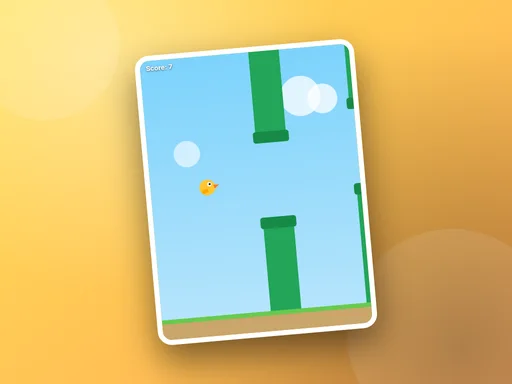
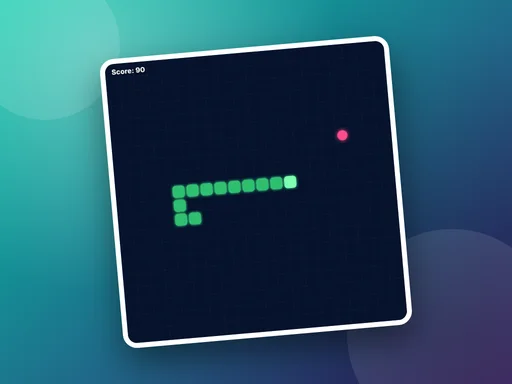
HTML5 games run in the browser you already have. Here is how they work and what that means for you as a player.
Online multiplayer is everywhere, but there is still something special about playing against the person sitting next to you. Every game in our Multiplayer category is built for two players sharing one screen. Here is what to expect from each, and which to pick for the moment you are in.
Four in a Row is the disc-dropping classic: take turns, line up four, and try to build two threats at once so your opponent can only block one. Dots and Boxes is the pencil-and-paper game from the back of a school notebook. Closing a box gives you another turn, so the whole game turns on who is forced to open the first long chain. Both are turn-based, which makes them ideal for passing a phone back and forth.
Tug Tap is a tug of war decided by tapping speed and nothing else. There is no strategy to explain, which is exactly why it works with younger players and at family gatherings. Best of three is over in a minute.
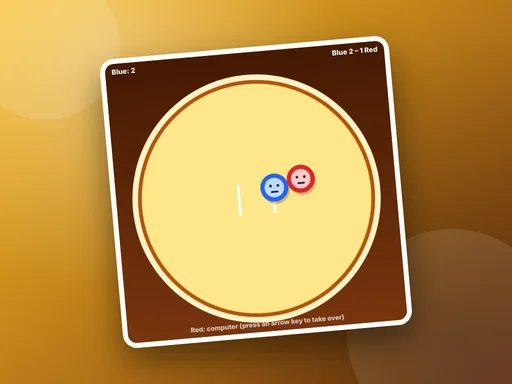
Rally Duo is a bat-and-ball duel where the ball speeds up with every return and the edge of the paddle sends it off at a sharper angle. Sumo Bump puts two wrestlers in a ring and asks each to shove the other out. Momentum matters: a long run-up hits hard, but a missed charge can carry you over the rope yourself. If you are on your own, the computer steers the red wrestler until a second player joins in.
Each game page lists the exact controls for both players under How to play, so nobody starts at a disadvantage.
HTML5 games run in the browser you already have. Here is how they work and what that means for you as a player.
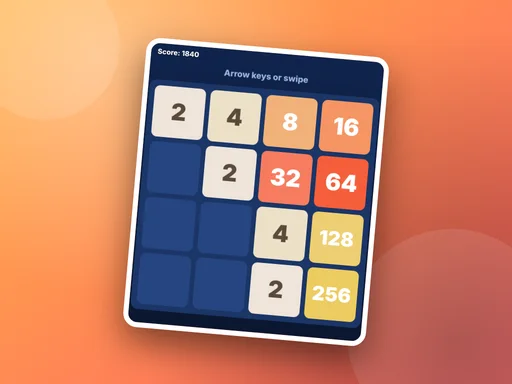
Stuck around the 256 or 512 tile? These five habits make a real difference in merge puzzles like Tile Fusion.
The same browser game can feel very different on a phone and on a desktop. Here is how to match the game to the device.